Posted on

amiga usb keyboard adapter

Amiga USB Keyboard Adapter

A Key USB keyboard adapter for Commodore Amiga Computers

The AKey USB keyboard adapter for all Amiga models, use any PC keyboard with your commodore amiga computer or CD32

The A500 version fits directly onto the keyboard header pins and provides a USB port to connect a keyboard

The A600 model fits onto the keyboard controller

The A1200  model fits over the keyboard controller – USB Extension with a custom trapdoor cover is also available to provide the the Amiga 1200 with an external USB port for keyboards

Reset from Keyboard just like a real Amiga!

CTRL + Left Windows + Right Windows  or alternatively  CTRL + ALT + ESC  can be used to reset if the keyboard only has a single windows key


Posted on

atari mouse on amiga

Atari mouse on amiga

Atari ST mice do share the same design as the Commodore Amiga but are pin incompatible due to Commodore and Atari’s rivalry the pins for the mouse signals are in different positions so that they could not be shared between brands

The simplest way to use a mouse on the Atari ST or Amiga is to use a dedicated mouse or a modern USB Mouse adapter, that allows standard PC USB mice to be connected

Posted on

amiga mouse adapter

Amiga Mouse Adapter

An amiga mouse adapter converts the position and mouse button signals from a standard mouse into a form that amiga computers can use

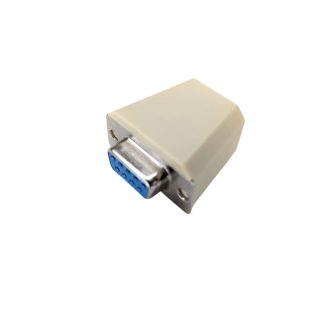
Modern adapters use USB and allow most PC mice to be used with Amiga computers, the adapter allows mice to plug into a USB socket and also has a 9 pin D plug that connects into the amiga Mouse port (joystick port 1) on the Amiga, all amiga computer model’s use the same 9 pin D connector