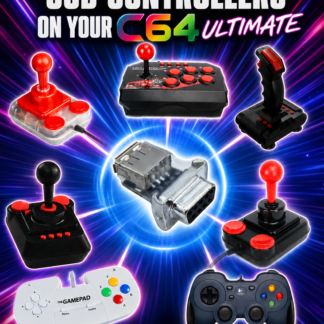
The launch of the Commodore 64 Ultimate has given retro computing enthusiasts an exciting new way to experience one of the most iconic home computers ever made. While the hardware faithfully recreates the classic Commodore 64 experience, many users already own modern USB gamepads and arcade joysticks that they’d prefer to use instead of hunting down original 9-pin controllers.
A USB gamepad and joystick adapter solves this problem by allowing compatible USB controllers to connect directly to the Commodore 64 Ultimate’s standard 9-pin joystick ports, combining modern convenience with authentic retro gameplay.
Add product button or featured product image here.
Why Use a USB Gamepad with the Commodore 64 Ultimate?
Original Commodore joysticks have become increasingly difficult to find in excellent working condition. Many surviving controllers suffer from worn microswitches, damaged cables, or unreliable contacts after decades of use.
Modern USB controllers offer several advantages:
- Comfortable ergonomic designs
- Excellent build quality
- Easy availability
- Reliable switches and buttons
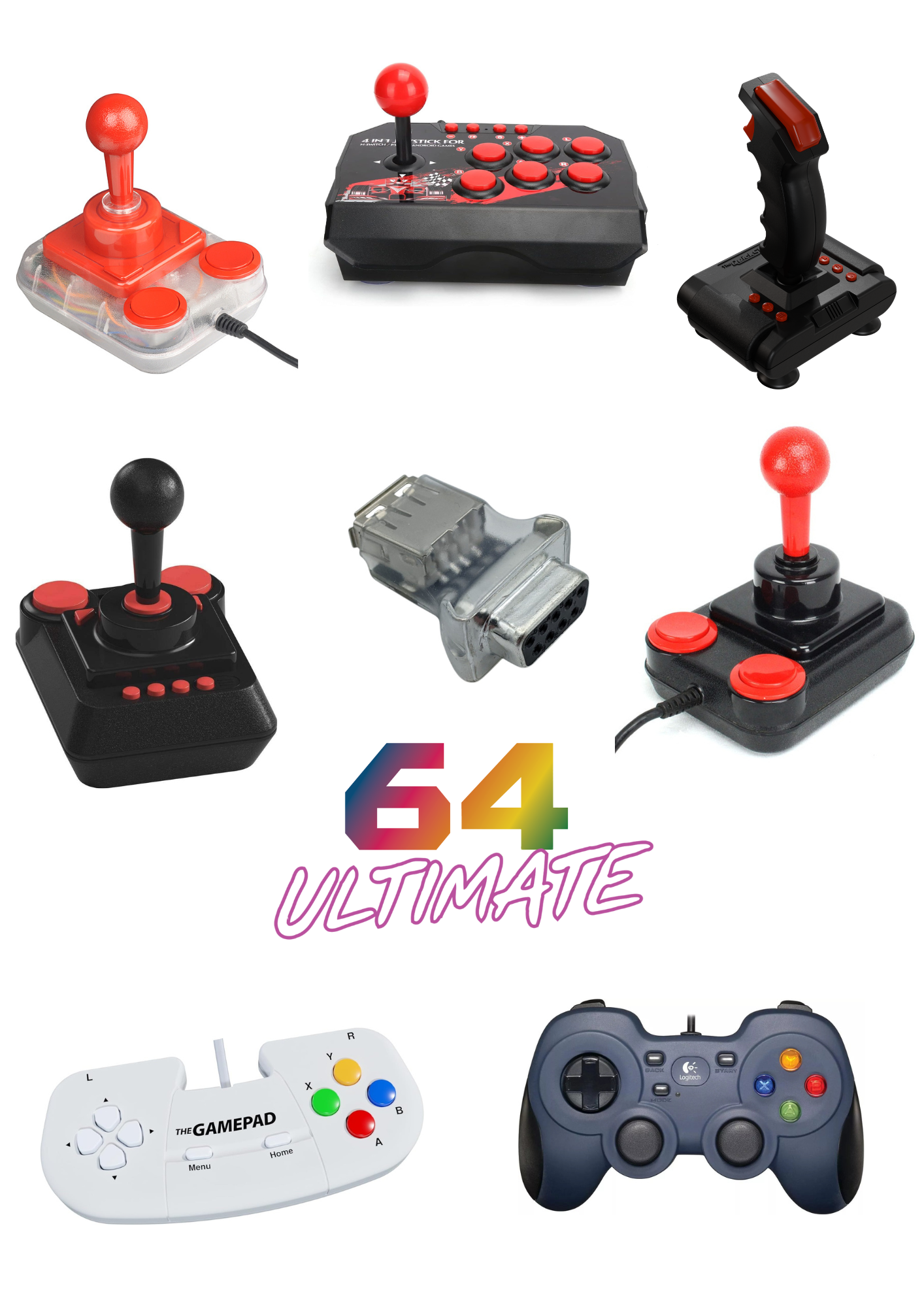
- Support for many popular gamepads and arcade sticks
- Ideal for long gaming sessions
Rather than replacing the authentic joystick ports on the Commodore 64 Ultimate, a USB adapter allows you to continue using the original hardware interface while benefiting from modern controller technology.
Designed for the Commodore 64 Ultimate
The Commodore 64 Ultimate recreates the original hardware experience while introducing modern capabilities. One feature retained from the original machine is the standard 9-pin joystick interface used by thousands of classic games.
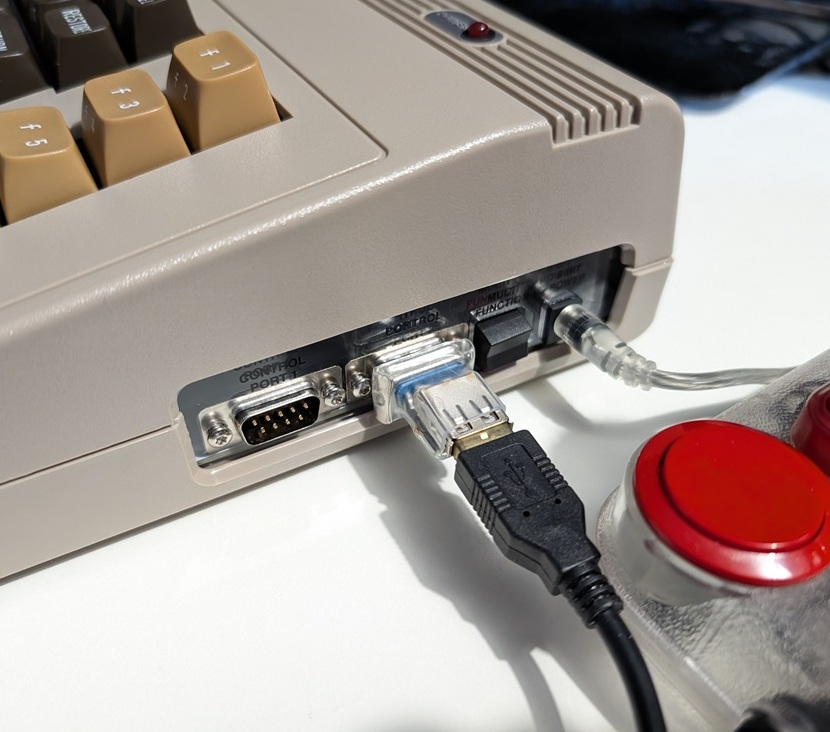
A dedicated USB joystick adapter converts supported USB controllers into signals understood by the Commodore 64 Ultimate, allowing games to respond exactly as they would with a traditional joystick but safe for an FPGA system
This means there’s no need to modify your computer or alter your favourite software—simply connect your compatible controller through the adapter and enjoy classic gaming – just plug in and play
Compatible with Modern USB Controllers
One of the biggest advantages of using a USB adapter is the flexibility it provides.
Depending on supported compatibility, users can enjoy gaming with:
- Modern USB gamepads
- USB arcade sticks
- Retro-style USB joysticks
- Wired USB controllers
This gives retro gamers the freedom to choose a controller that best matches their favourite games, whether they’re playing platformers, shooters, racing games, or arcade classics.
Perfect for Classic Commodore Games
Thousands of Commodore 64 titles rely on precise joystick input.
A quality USB adapter helps bring modern controller reliability to classics such as:
- Impossible Mission
- Summer Games
- Winter Games
- The Last Ninja series
- Paradroid
- Turrican
- IK+
- Bubble Bobble
- Creatures
- Mayhem in Monsterland
Whether you’re revisiting childhood favourites or discovering these legendary games for the first time, responsive controls can make gameplay more enjoyable.
Easy Plug-and-Play Installation
Using a USB joystick adapter should be simple.
Typical setup involves:
- Connect the adapter to the Commodore 64 Ultimate joystick port.
- Connect a compatible USB controller.
- Load your favourite game.
- Start playing.
No permanent modifications are required, making the adapter ideal for collectors who want to preserve their hardware while expanding controller options.
Ideal for Retro Gaming Enthusiasts
Many retro gamers own multiple systems alongside their Commodore 64 Ultimate.
Using USB controllers provides several benefits:
- Reuse controllers you already own
- Reduce wear on valuable vintage joysticks
- Enjoy consistent controls across different systems
- Simplify your gaming setup
- Improve comfort during extended play sessions
For users with modern gaming collections, it also means one controller can potentially serve multiple retro platforms.
Frequently Asked Questions
Does the adapter replace the original joystick ports?
No. It connects to the existing 9-pin joystick port, allowing compatible USB controllers to be connected
Can I still use the adapter on an original Commodore 64?
Yes. The adapter is compatible with the original C64 and Atari Computers
Is setup complicated?
No. Installation is straightforward and designed to get you playing quickly.
Why use USB instead of an original joystick?
Modern controllers are often easier to find, more comfortable to use, and can provide improved reliability while preserving your original vintage hardware.
Upgrade Your Commodore 64 Ultimate Gaming Experience
The Commodore 64 Ultimate combines authentic retro computing with modern engineering, and a USB gamepad and joystick adapter is a natural extension of that philosophy.
Whether you’re enjoying arcade classics, competing for high scores, or introducing a new generation to Commodore gaming, using modern USB controllers offers convenience without sacrificing compatibility.
If you’re looking for an easy way to use your favourite USB gamepad or joystick with the Commodore 64 Ultimate’s original 9-pin joystick ports, this adapter provides a practical solution that brings together the best of classic and modern gaming.